
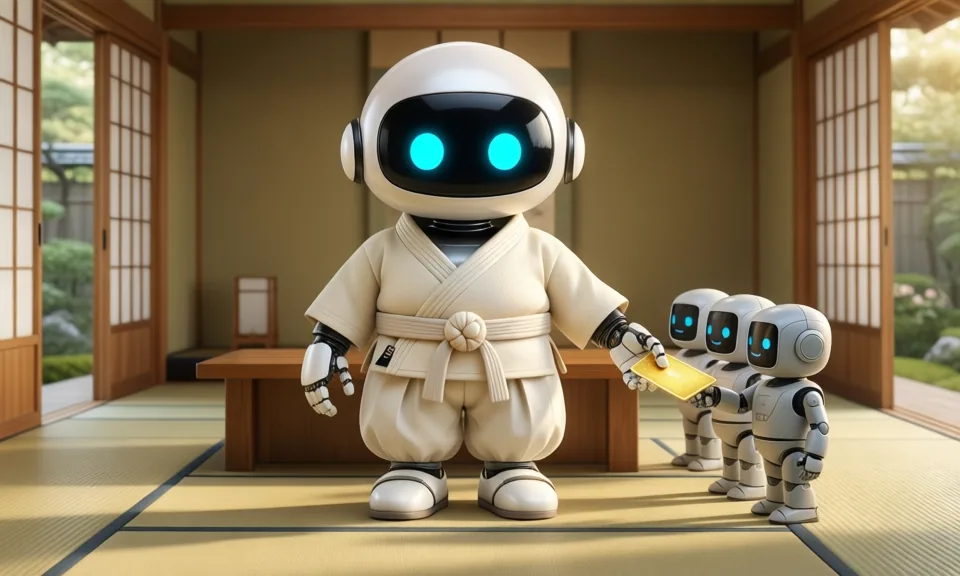
Your team keeps its rules, personas and workflows in an AI-KIDO Memory Bank. One member uses VS Code, another a command-line assistant, and a coding agent runs in the cloud. Each of them needs the same knowledge, and none of them should get a stale copy.
The idea in one picture
Kimono RAG MCP is an MCP server. In AI-KIDO mode it takes a root folder containing prompts/index.md or index.md and exposes that Memory Bank through the same small set of tools to every client that speaks MCP. The method becomes something connected clients can search, not something each of them has to be taught.
Choose the mode
RAG is the default, and the presence of an AI-KIDO index does not switch modes by itself. You choose explicitly, on the surface you configure:
# Environment
KIMONO_CORPUS_MODE=aikido

# CLI
--corpus-mode aikido

# VS Code setting
"kimono.corpusMode": "aikido"rag instead.Three ways to connect
- IDE extension (recommended): install it from the Visual Studio Marketplace in VS Code or a compatible IDE.
- Docker server: a shared corpus for several MCP clients, including GitHub Copilot cloud agent, through the
/mcpendpoint. - Native install from source: a local stdio server for an MCP client that supports it.
For the cloud agent, you open your repository settings, Copilot section, and paste the MCP configuration that declares a remote server. The token is stored as an Agents secret, never in the file.
Under the hood
The pasted configuration is the following; the token only appears as a variable:
{
  "mcpServers": {
    "kimono": {
      "type": "http",
      "url": "https://kimono.example.com/mcp",
      "headers": {
        "Authorization": "Bearer ${COPILOT_MCP_AUTH_TOKEN}"
      },
      "tools": ["aikido_snapshot", "aikido_search", "aikido_file", "aikido_structure", "aikido_index"]
    }
  }
}What you get when you ask a question
On a small example project of eight files, you write in your assistant’s chat:
Where is the ping endpoint handled in this project?The assistant answers by citing three paths with their line ranges, without a single line of source code, then opens only those ranges to explain. The snapshot is released at the end.
- 3matches returned for one query
- 0lines of source text in that answer
- 1snapshot, released at the end
Try it
- Pick a connection from the Kimono RAG MCP repository README.
- Set AI-KIDO mode and point the server at a folder holding your Memory Bank.
- Ask your assistant a question your base can answer. More on the Kimono RAG MCP page.