
Start from a brief
A structured brief captures the message, audience, uses, palette, fonts and what to avoid. The skill can also read an existing project folder to propose a starting point.

Local Designer gives your agents an art director. It turns a brief into a mood board, waits for your validation, then renders images locally in the identity you chose.
Skill version 5.3.0 · Renders on your machine with Draw Things · Charter, mood boards and UI kit live in one folder you can version with your project
Without a direction, every generated image looks different. Local Designer puts a validation step before the first render and keeps the decision, so the whole project speaks with one visual voice.
A structured brief captures the message, audience, uses, palette, fonts and what to avoid. The skill can also read an existing project folder to propose a starting point.
Generation refuses to run until a direction is validated on the mood board or the design charter is active. The decision and the validator's name are recorded.
The image analyst checks each result for defects, text and likeness before you see it. It uses a local vision model if you set one, otherwise your current model.
Four building blocks, each usable on its own and all stored in one design folder of your project.
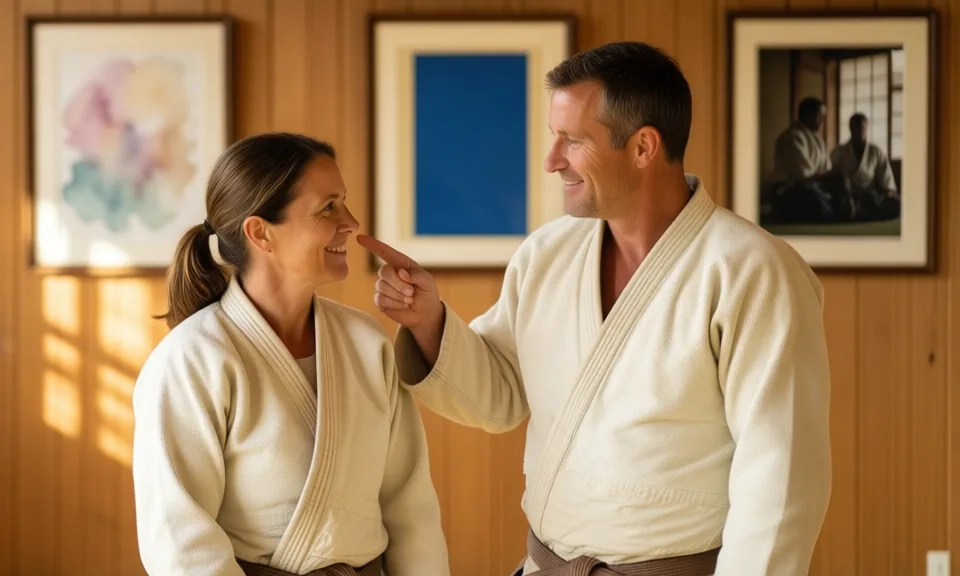 Mood board
Three directions are shown on the same scenes, each with its palette and roles, typography, textures, what it says and what it rules out. One self-contained page, light and dark, ready to send to the client. Command: /aikido-design-moodboard.
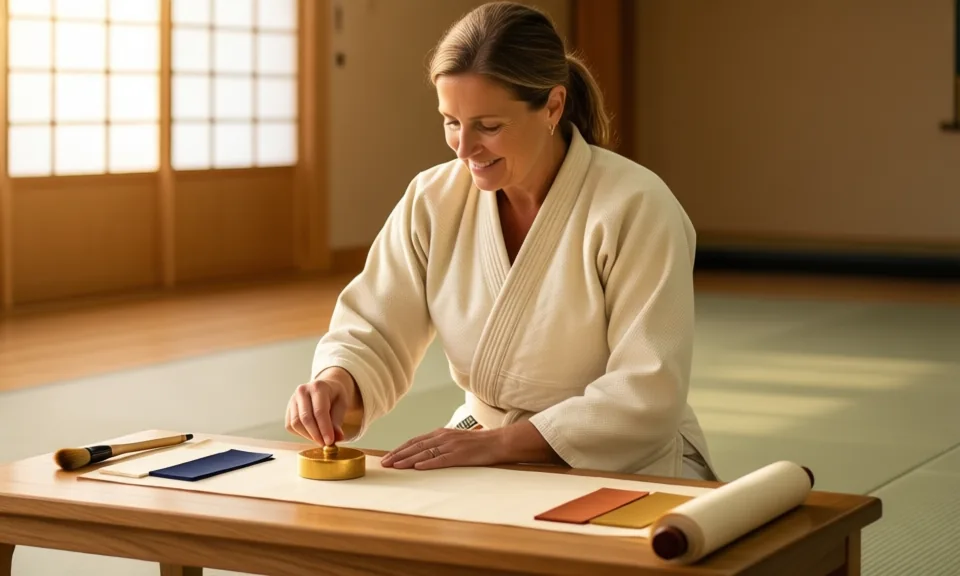 Design charter
Palette with roles, typography, validated render style, forbidden terms and a dated decision log, in a text file safe to commit. An audit measures the colour drift of any image against the palette. Commands: /aikido-init-design, /aikido-design-audit.
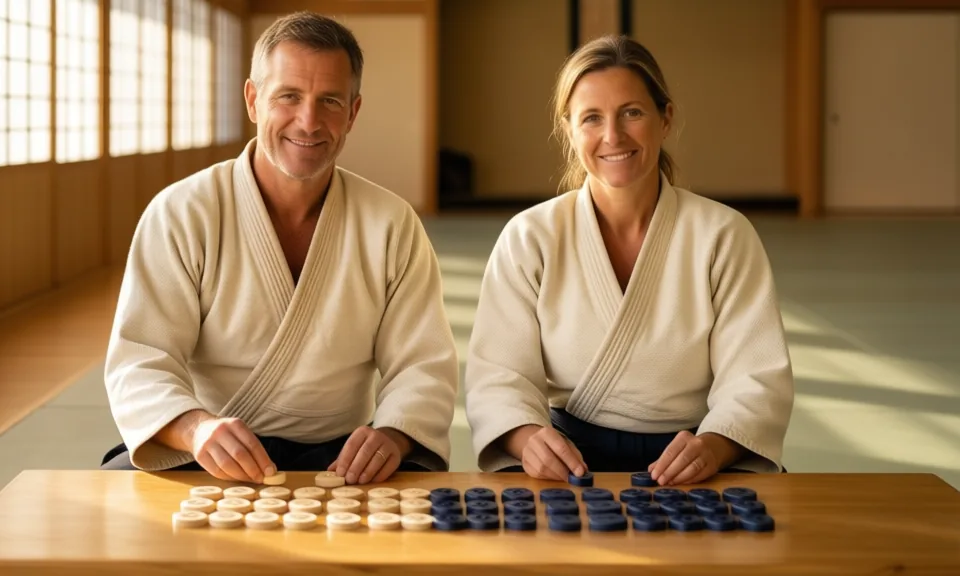 UI kit
Five personalities compared on one page with your colours. Once you choose, the skill builds light and dark tokens checked for contrast (4.5:1 for text), components, icons, button images and zone backgrounds. No image engine needed. Command: /aikido-design-uikit.
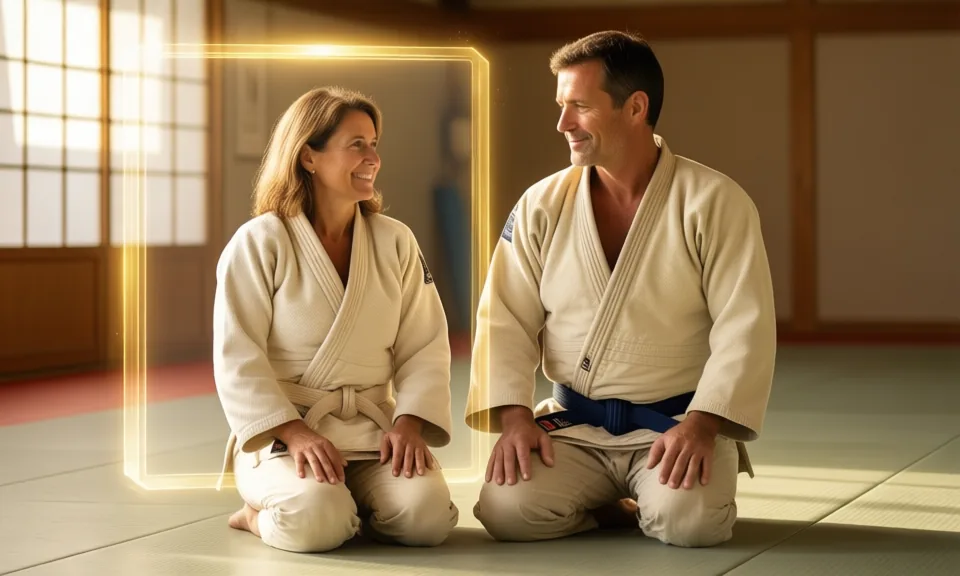 Render
Start with quick drafts, compare styles on a contact sheet kept outside git, then render the final image behind the lock. Seed and prompt are saved so any image can be reproduced. Commands: /aikido-design-render, /aikido-design-style.
Photographic, vector, drawn, painted, technical or editorial. Pick one, let the skill recommend one from your brief, blend two into a new look, or draft a style from a reference image.
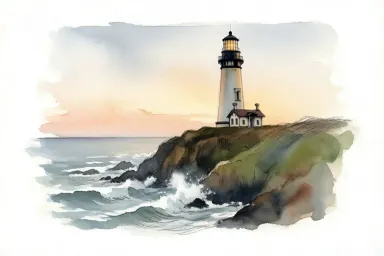
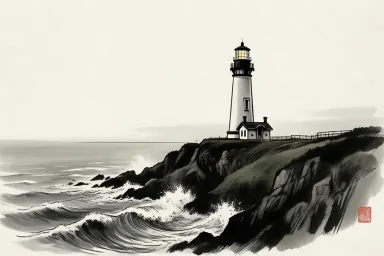
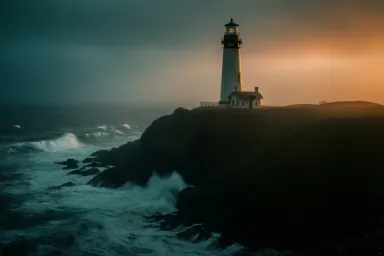
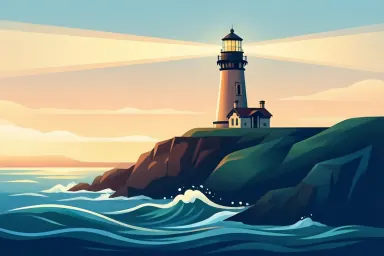
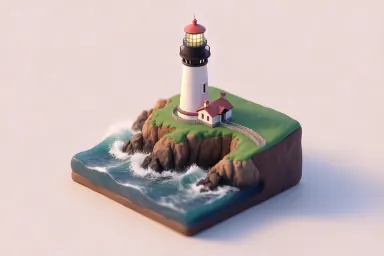
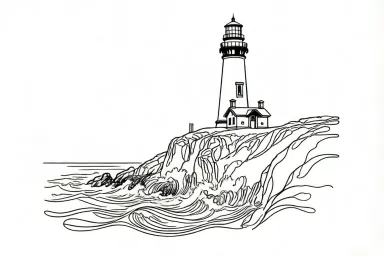
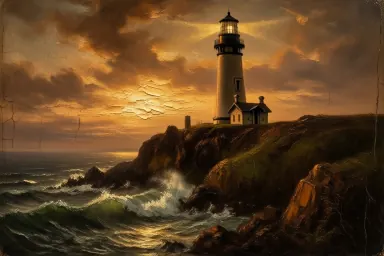
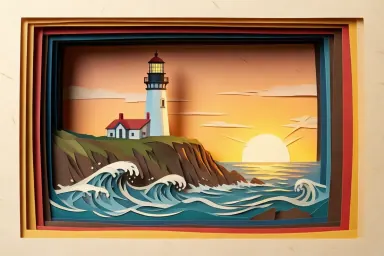

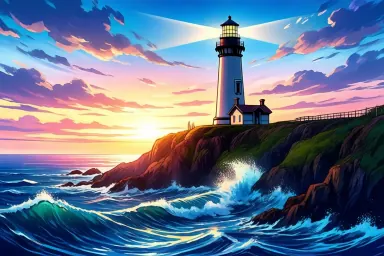

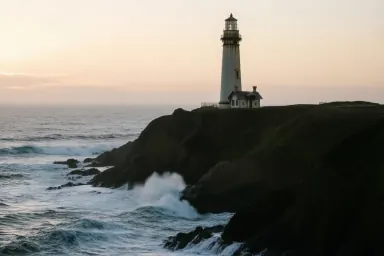
Style tools: recommend, analyze, match, styles compose and styles draft. These thumbnails are the skill's own, rendered with Draw Things.
agent-aikido-art-director
A senior illustrator: it asks the right questions, proposes directions, builds the mood board, waits for the client's answer, then draws and tunes.
agent-aikido-image-analyst
It reads every image: defects, text, pose, likeness to a reference. It uses the optional local vision model of the project, otherwise the current model, silently. A reader can still miss defects: “ok” means nothing was found.
Type them in your assistant once the skill is installed.
| Command | What it does |
|---|---|
/aikido-init-design | Create the project design charter: palette, typography, render style. |
/aikido-design-brief | Write and validate the structured client brief. |
/aikido-design-moodboard | Build the client mood board and record the client's decision. |
/aikido-design-style | Choose, compare, compose and create render styles. |
/aikido-design-uikit | Create and maintain the UI kit: tokens, components, icons, button and zone images. |
/aikido-design-render | Generate images: draft, tuning sweeps, final render behind the validation lock. |
/aikido-design-config | Configure the image servers and how batches of renders are shared out and paced, through guided questions. |
/aikido-design-charter | Read, check, update and annotate the charter; generate under its identity. |
/aikido-design-audit | Check images or a folder against the charter palette and report the drift. |
Images are generated by a connector, the engine installed on your Mac. Two connectors are available, both for the Draw Things app.
Use the app's HTTP API, or gRPC, which lists the real models of the server and can reach a local, remote or offload server of your own.
Local mode is the verified path. Sending anything outside your machine requires your agreement.
Image models sometimes ignore instructions: text, hands and faces need a check. A server renders as many images at once as you allow, and ComfyUI is planned, not written.
/aikido-design-config asks for each server: type, address, port, protocol and TLS. With HTTP the app's loaded model can be used; with gRPC the tool picks a listed model, or you pin one.
Sweeps, style thumbnails and mood board trials are shared out by priority, in turn or by weight, with a limit per server and in total, batches, pauses, retries and a move to the next server if one fails.
The configuration holds no secret, only where to find it: an environment variable, a protected file or a Vault path read by a hook. The value stays in memory for the run.
The brief, the mood board (without trial renders), style browsing, the UI kit and image analysis need no image engine.
The skill is installed with the AI-KIDO skills manager. Requirements: Node.js 18 or later, cwebp for WebP export, ImageMagick or sips for image analysis, and for generation macOS with Draw Things.
In Draw Things, open the advanced settings and enable API Server: gRPC (recommended) or HTTP, on port 7860. Keep the app open.
Run status to see the model and settings in use, and whether the target is local or remote.
Run /aikido-design-config after installing, and again whenever a server, a model or the pacing changes.
Write the brief, validate a direction on the mood board, then ask for your first image.
/skill-manage get --skill local-designer
node prompts/hard_points/system/local-designer/scripts/local-designer.mjs status
/aikido-design-config
The skill comes from the public AI-KIDO skills catalog, the default source in skills.cfg: browse its code, references and render styles before installing.
Install the skill, write a short brief and compare three directions before a single final render.